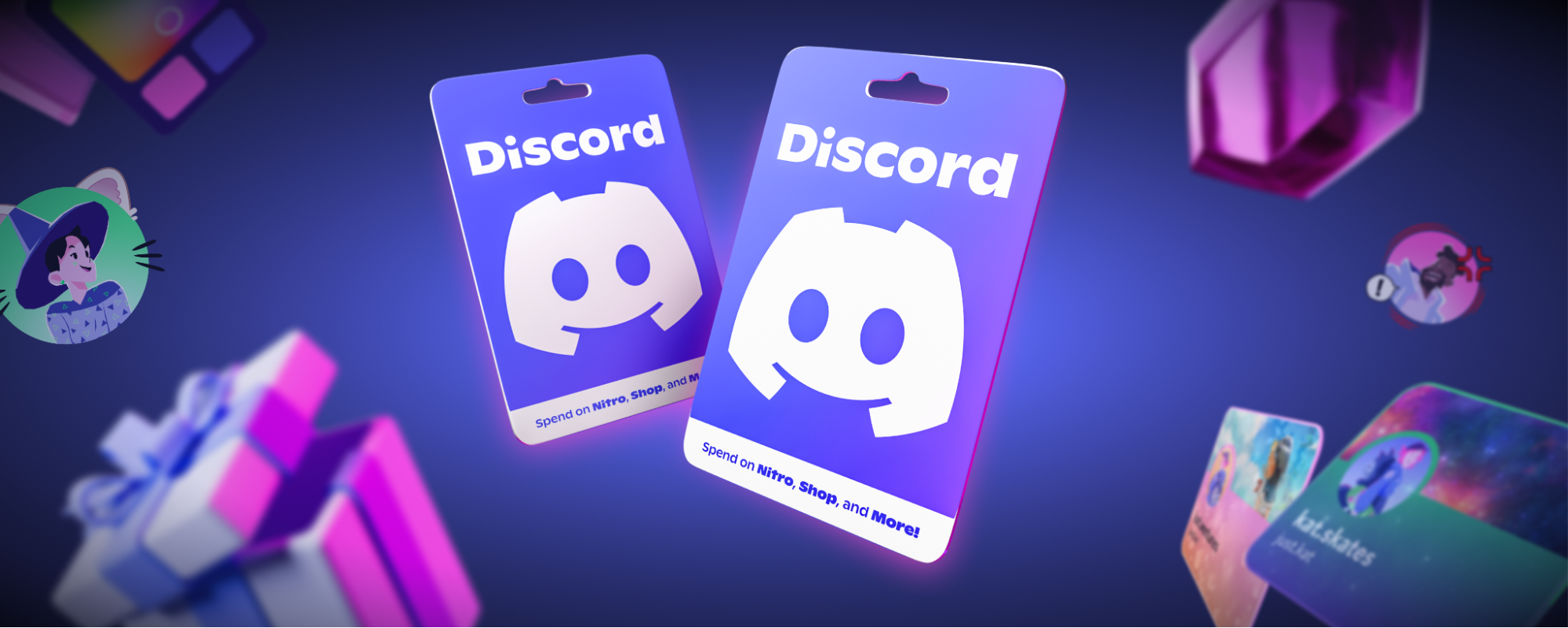
An example of a physical gift card.
Product & Features

Discord Gift Cards: The Easiest Holiday Gift on Your List

The holidays are almost here, and we’re making it even easier to give your friends something they’ll actually love on Discord. Good news: Discord gift cards are now available in stores and online at select retailers in the United States, Canada, the United Kingdom, France, Italy, and Spain.

A gift card makes it easy to buy all sorts of stuff on Discord. Whether you buy one for a friend, your duo partner in your game-night server, or yourself, it’s a direct way to give someone the choice of what to buy on Discord. You choose the amount, and they choose how to spend it. 
Spend a Discord Gift Card Your Way

Everyone uses Discord a little differently. Some people want crisp streams for movie night, some want a profile that matches their whole vibe, and some just want to show their favorite community some love. A gift card covers all of it.

Once a gift card is redeemed, the balance is added to your account. You can then spend it on things like: 

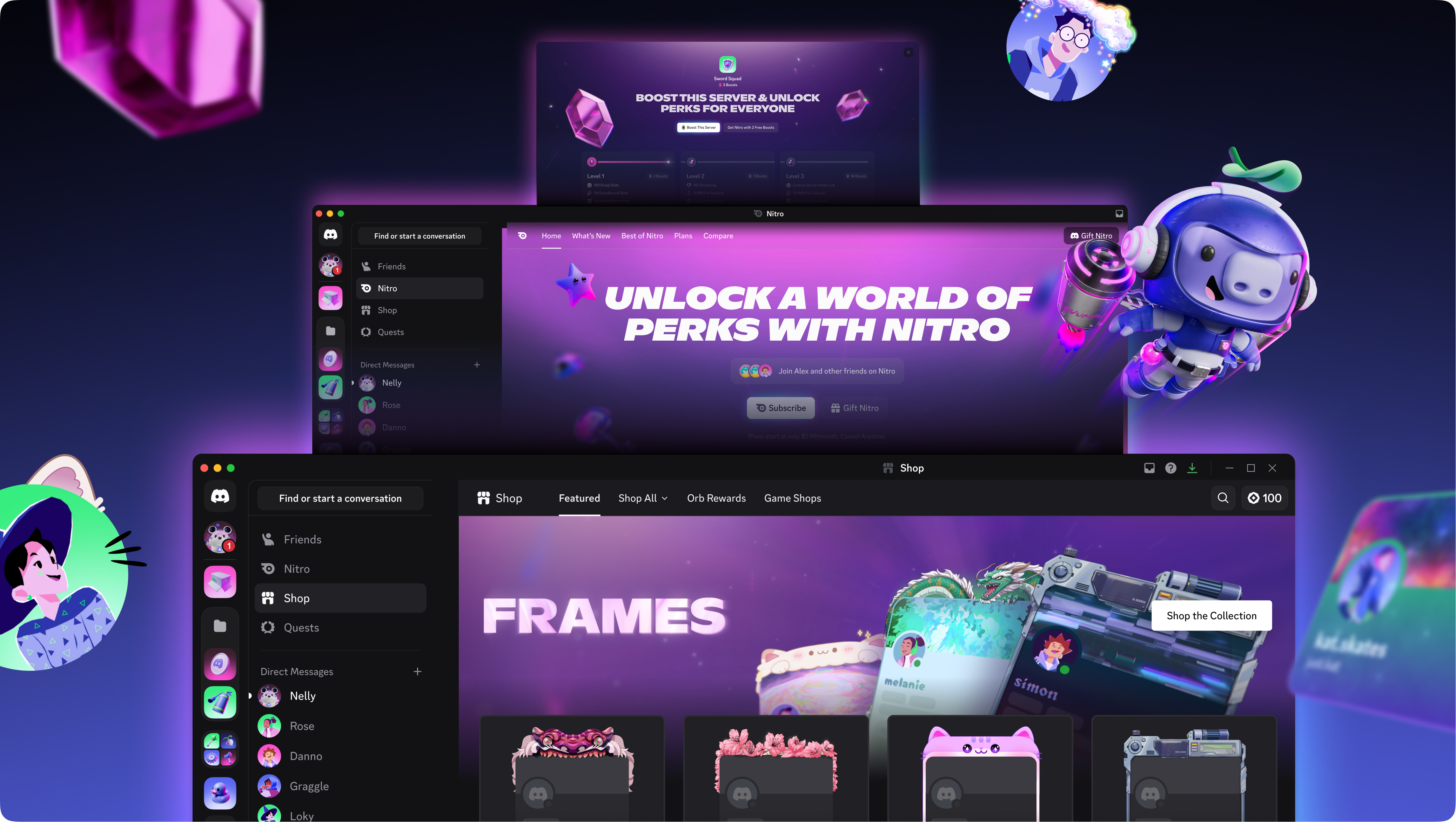
  • Nitro memberships: For the friend who’s always streaming, clipping, or sending files way too big for chat. Nitro brings crisper streams, bigger memes, and more.
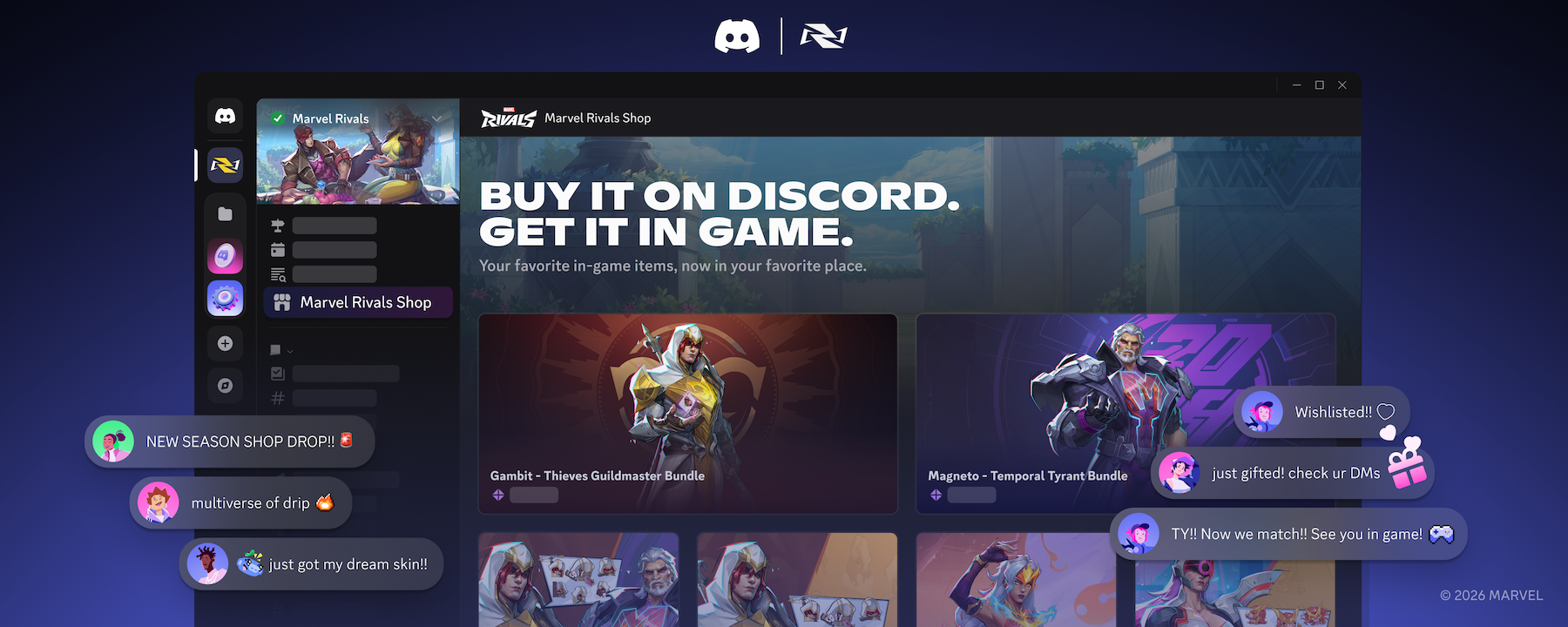
  • The Shop: For the friend who changes their avatar decoration more often than their socks. Hundreds of Avatar Decorations, Profile Effects, Nameplates, and Profile Frames help their profile feel like them.
  • Server Boosts: For the friend who runs (or basically lives in) a server. Boosts unlock perks everyone in the server can enjoy.
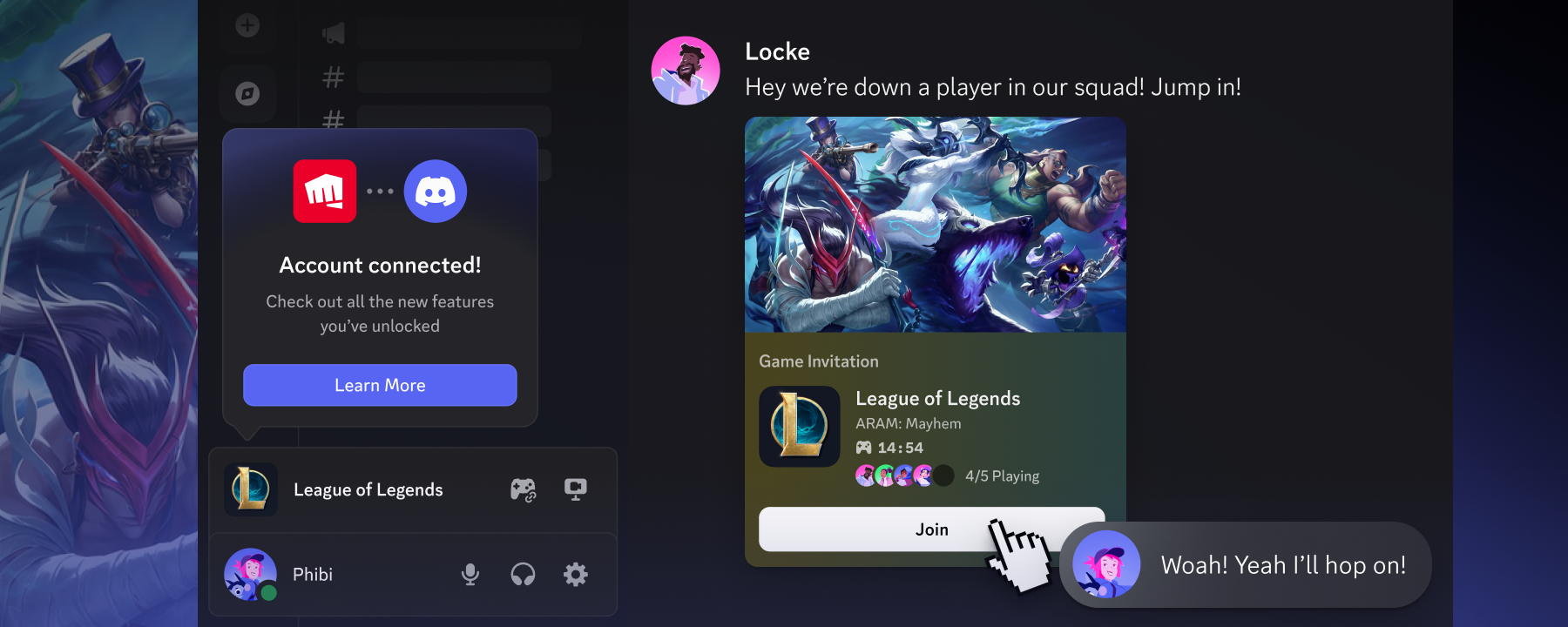
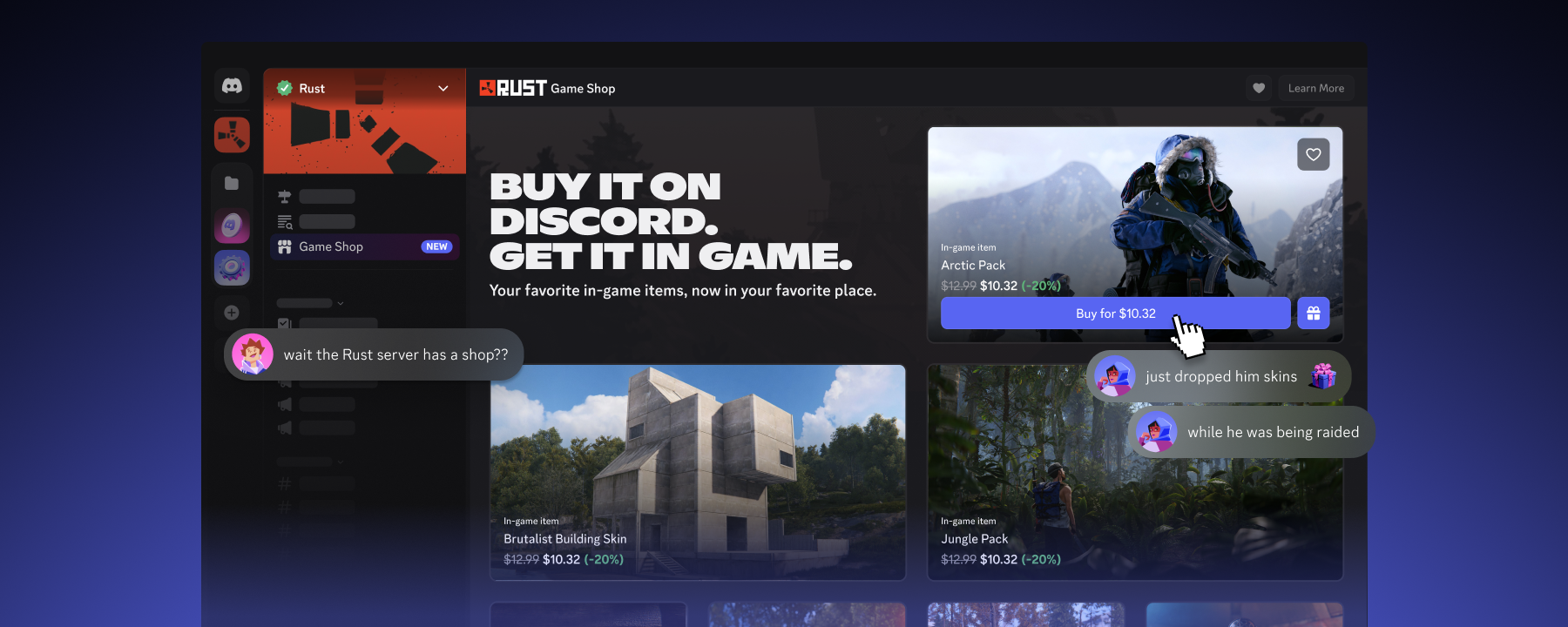
  • And more: Grab in-game items from Game Shops without leaving Discord, or use your balance to send Nitro or something from the Shop to a friend.

Where to Grab a Discord Gift Card

You can find Discord gift cards in stores and online at select retailers, including Walmart, Best Buy®, Target, and GameStop in the US. You’ll also find them starting to roll out at Micromania in France, Gamelife in Italy, and GAME in Spain. Pick a preset amount or choose your own. Short on time? Digital gift cards can be sent straight to someone’s inbox.

Availability varies by country and is expanding over time, so check our Help Center for the latest list of where to buy.

What to Know Before You Buy

‍‍Before you check out, here are a few quick things so your gift works the moment they open it:

Buy it where they’ll use it. A Discord gift card works in the country where it’s bought, and it’ll only redeem on accounts set to that same Country/Region. One note: Cards bought in France, Italy, or Spain are loaded with euros, so they’ll work in any country that uses the euro.

They’ll need a Discord account. It’s free to sign up, so if your recipient is new to Discord, that’s step one.

Spending happens on desktop and web for now. Gift card balances can’t be used in the iOS or Android app. You can redeem and spend on the desktop app or in any web browser, including the one on your phone, and anything you buy shows up across all your devices.

Only on mobile? We really recommend using the desktop app for the best experience, but if you don’t have access, head to entry.everythingsinc.xyz/login to spend through the web app. 

Keep it safe. Only buy from official retailers, never share your code, and never buy a gift card to make a payment someone else asked you to make. Learn how to spot gift card scams.

How to Redeem a Discord Gift Card

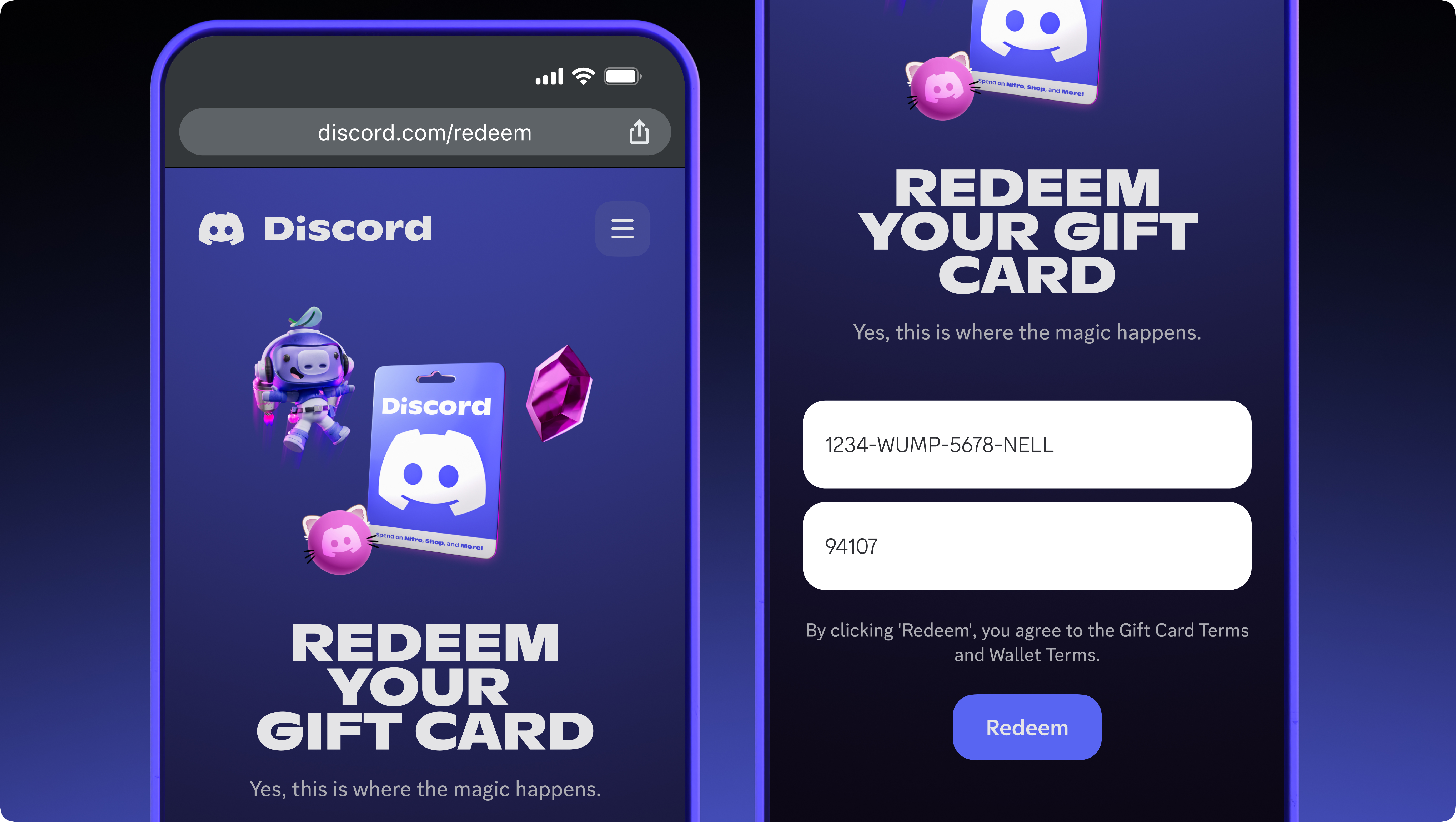
Now for the fun part. Redeeming only takes a few steps, and then the balance is ready to spend. Great news for visual learners: we have a video that shows you how to redeem your gift card. 

Got a physical card? Scan the QR code, sign in to your Discord account, and you’ll immediately go to the redemption page. Otherwise, you can also follow the steps directly below to redeem a gift card: 

  1. Scan the QR code on your physical card, or head to entry.everythingsinc.xyz/redeem in any web browser.
  2. Log in to your Discord account, or sign up for free if you’re new. 
    • Make sure it’s the right account, since balances can’t be transferred once redeemed.
  3. Find your code! For physical cards, gently scratch off the foil cover on the back. For digital gift cards, the code is in your email.
  4. Enter your code exactly as shown and follow the on-screen prompts.

That’s it! Your balance is added to your account and ready to spend. You can also redeem from User Settings > Billing > Payment Methods in the Discord desktop app.

Wrapping It Up

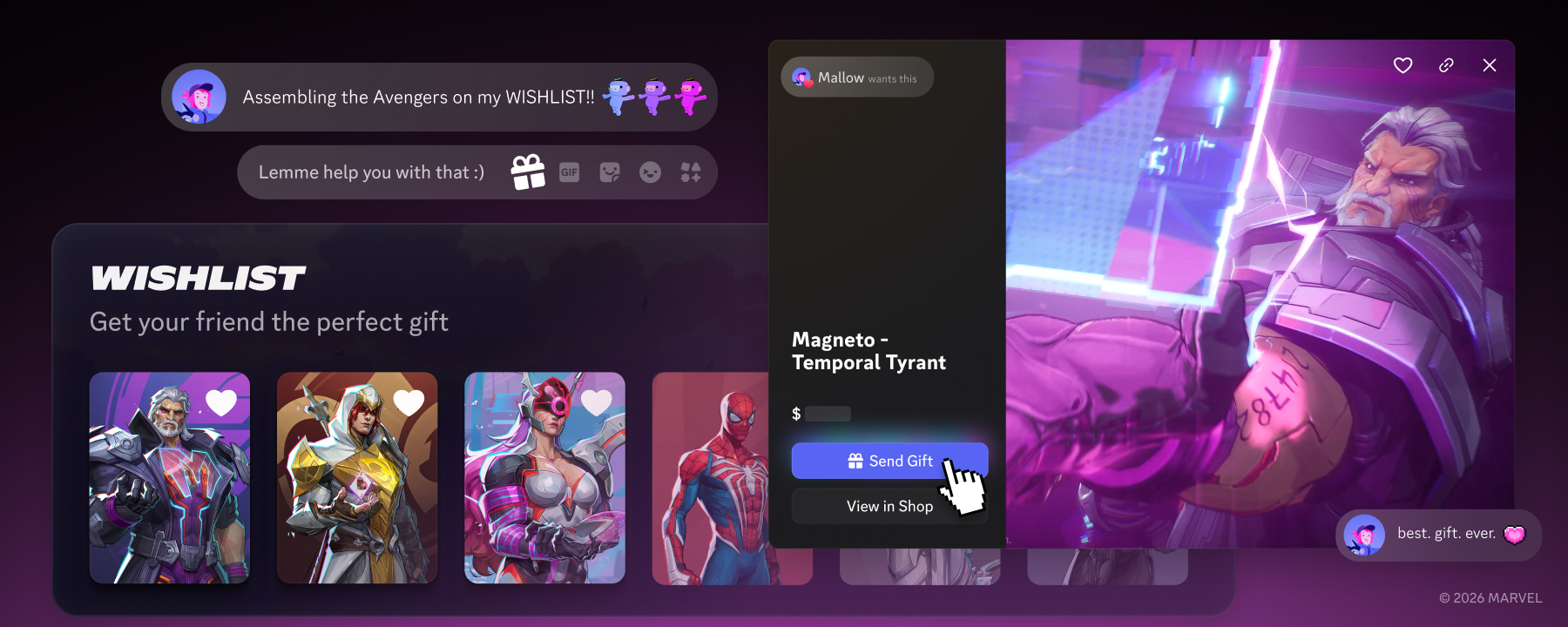
Next time you’re in the gift card aisle, look for us. Not sure how much to put on one? Peek at someone’s Wishlist on their profile to see what they’ve had their eye on. Maybe it tops off their Nitro, unlocks a new look in the Shop, or powers up their favorite server. Either way, we hope it makes someone’s holiday a little easier and a little brighter.

This is just the first holiday season for Discord gift cards, and we’re looking to bring them to even more countries in 2027.

Happy holidays from all of us at Discord! Head to entry.everythingsinc.xyz/gift-cards, or check out the Discord Gift Cards FAQ in our Help Center for everything else.

Tags
No items found.

related articles